
A worker can utilize the Swift Checkin app’s check-in and check-out process to record daily sign-ons, sign-offs, and attendance at a work site. The steps are as follows:
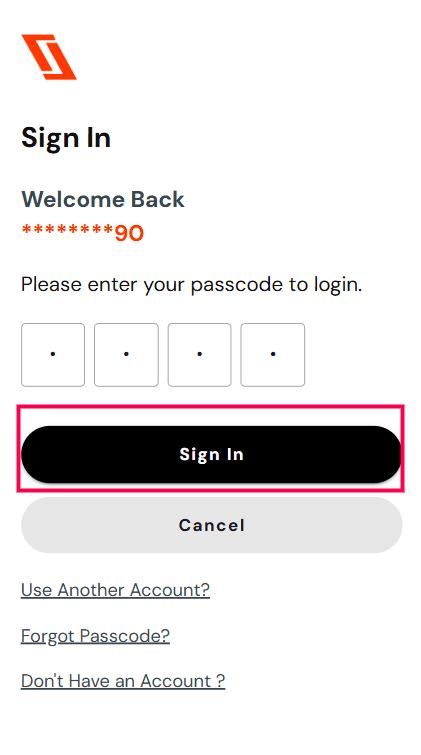
Step 1.Log in
- Log in to the Swift Checkin app home page via a mobile device or from the website.
- Enter your phone number and passcode.
- Click “Sign In.”
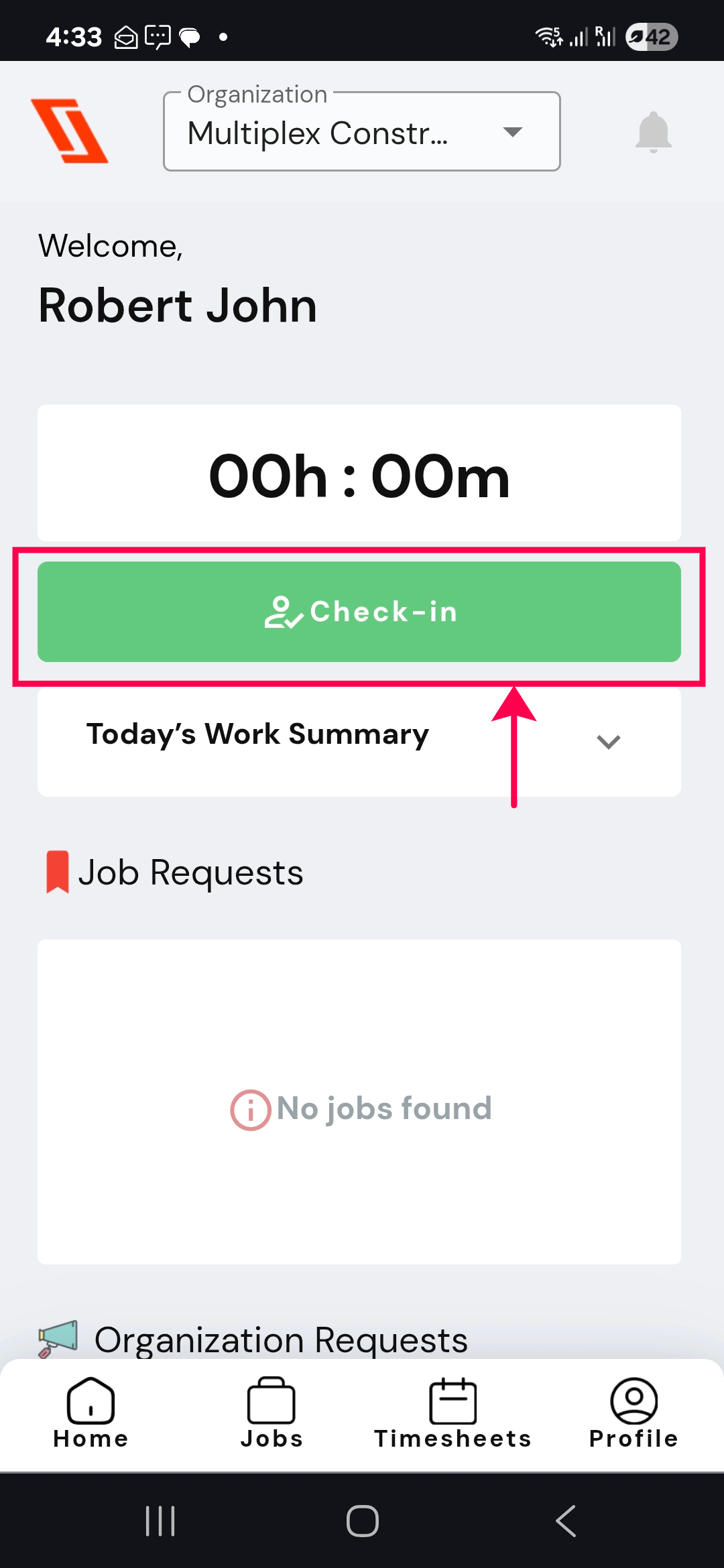
Step 2. Check-in
Select the “Check-in” button on the home page.
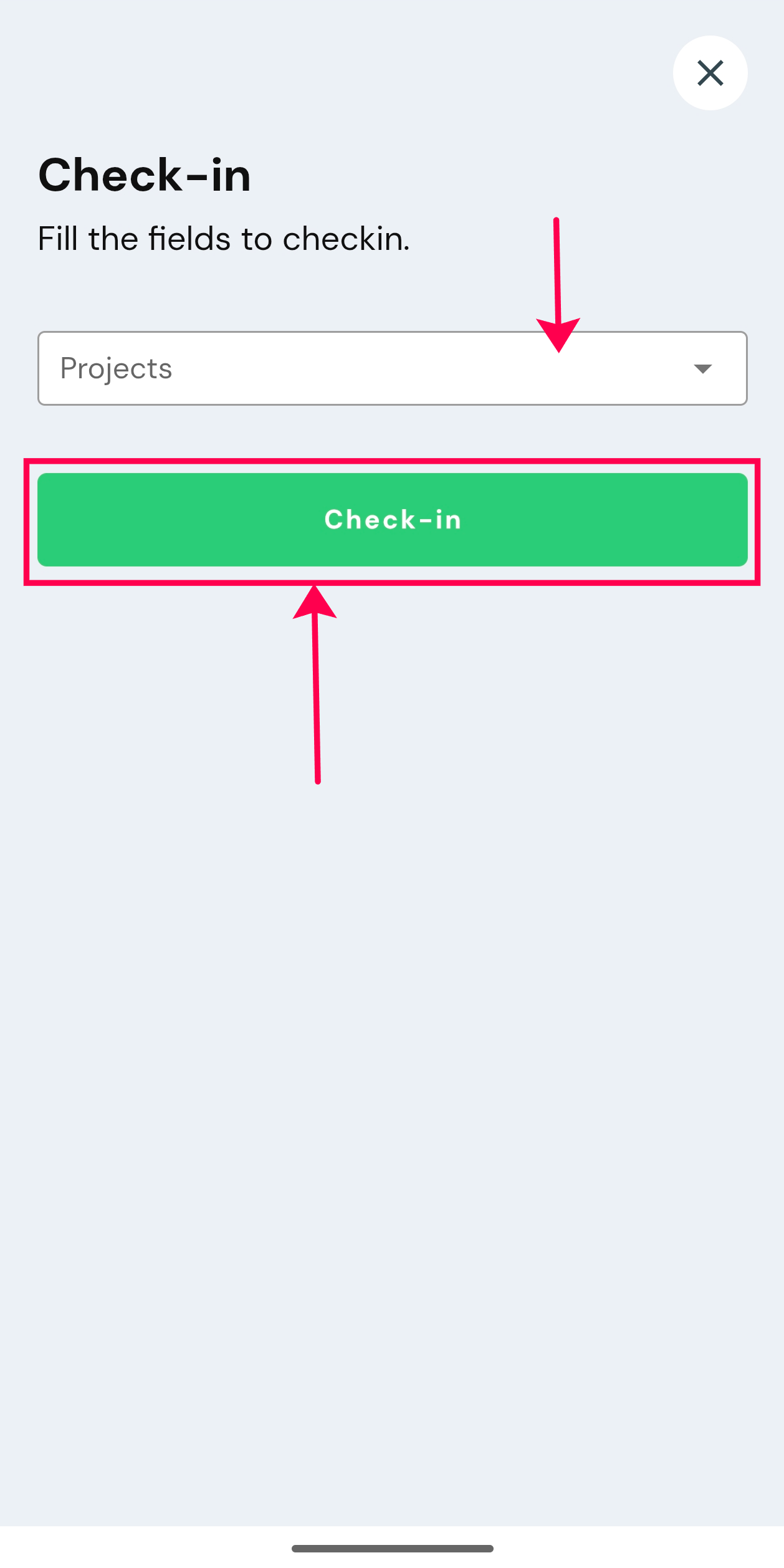
Step 3. Choose your “Project” from the dropdown and click “Check-in“.
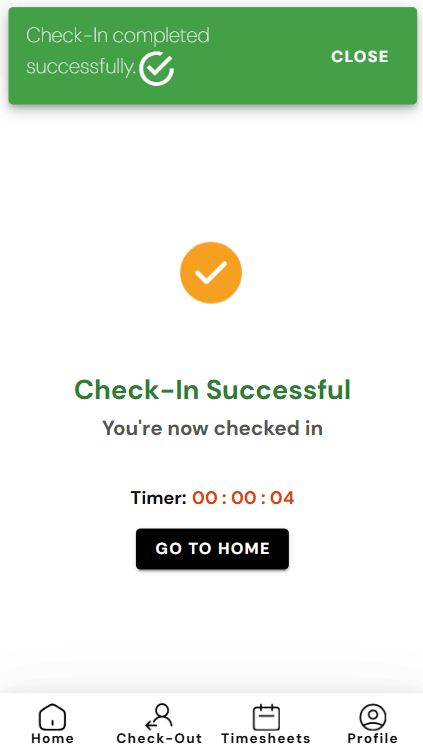
Congratulations!You are checked in successfully.
Step 4. Check-out
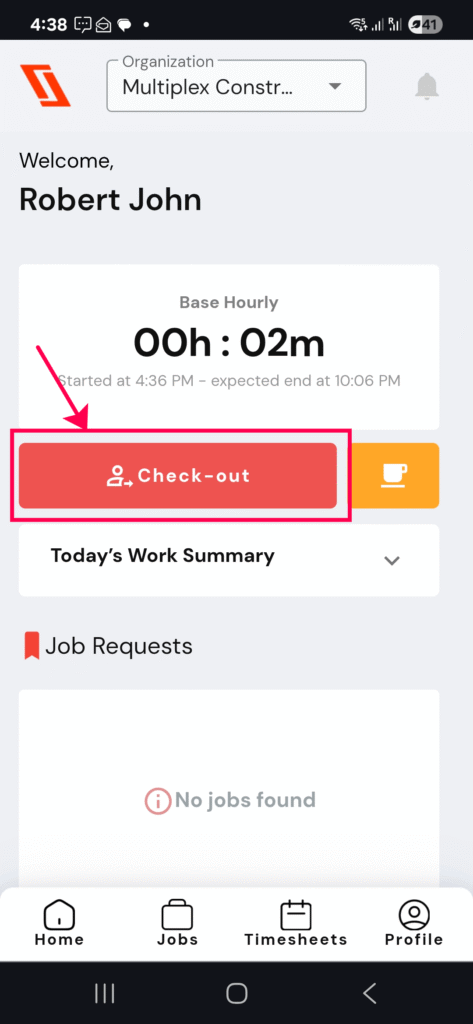
Once the work is completed for the day, proceed with the check-out process to ensure that a timesheet is auto generated, (if time tracking is required by your organization.)The steps are as follows:
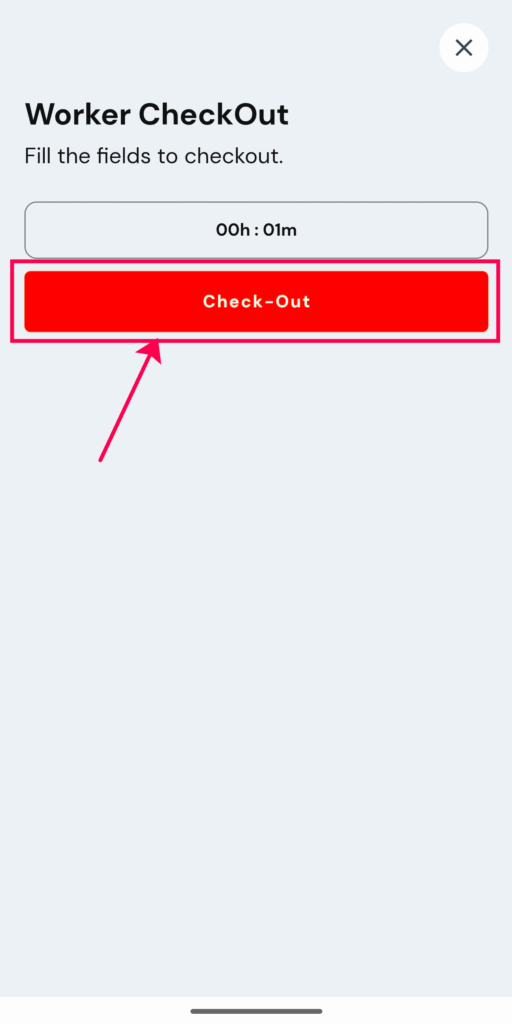
Step 5. Click the “Check-out” icon to complete checkout.
You are successfully checked out!
RELATED POSTS
View all