



In this article we will guide you on how to register with the Swift Checkin mobile platform to streamline day-to-day operations such as daily site check-ins, timesheets, and job schedules. Steps are as follows:
Step 1: A project manager, contractor, or site manager initially adds a worker to the admin platform.
Step 2: The worker receives an SMS to the given mobile number.
Step 3: The worker/site user completes the one-time registration process to sign into the mobile app.
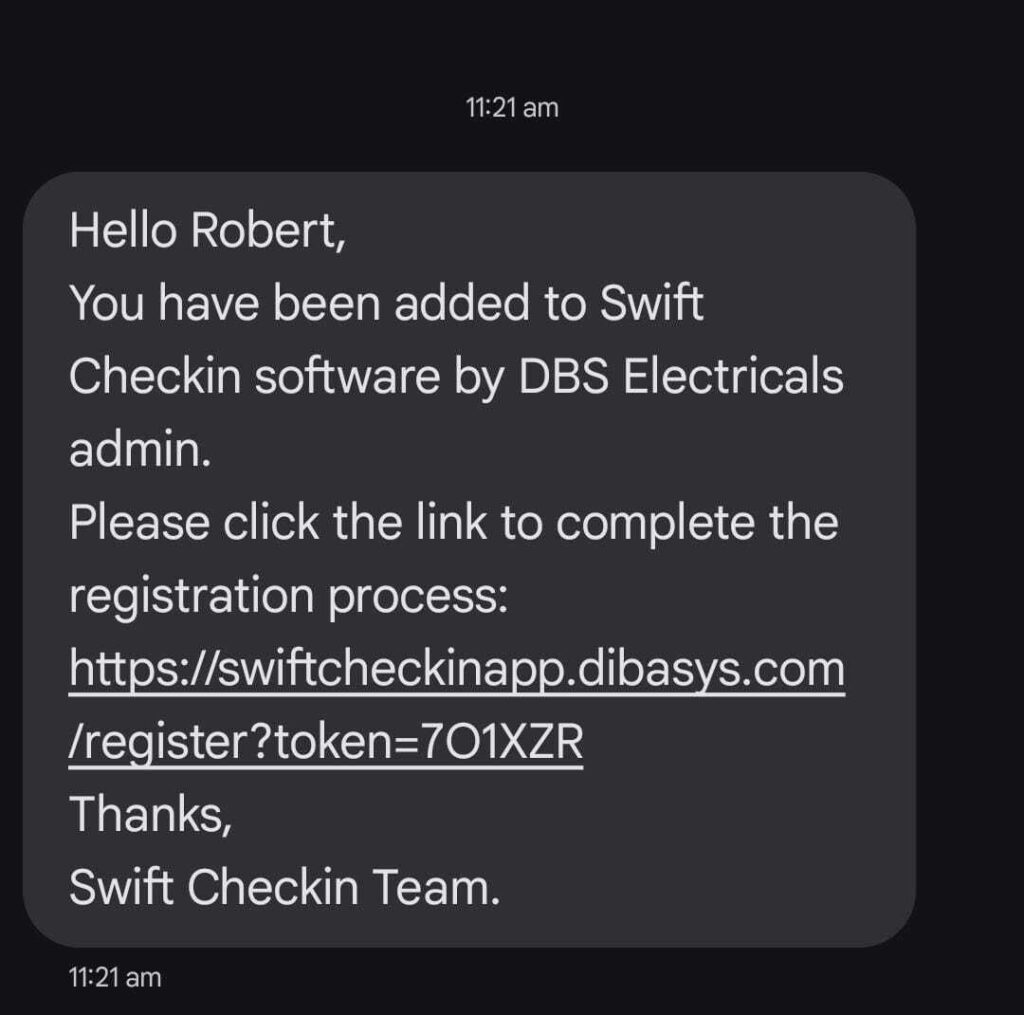
To commence the registration, simply access the SMS from your company admin and click the link provided to get into the SwiftCheckin mobile app. Complete the following steps:
1. Enter your Mobile number and click “Next.”
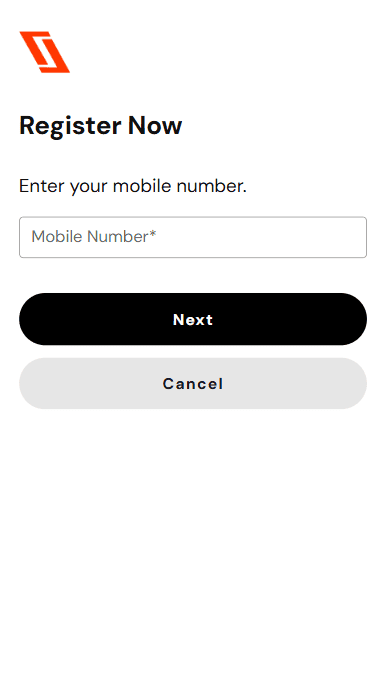
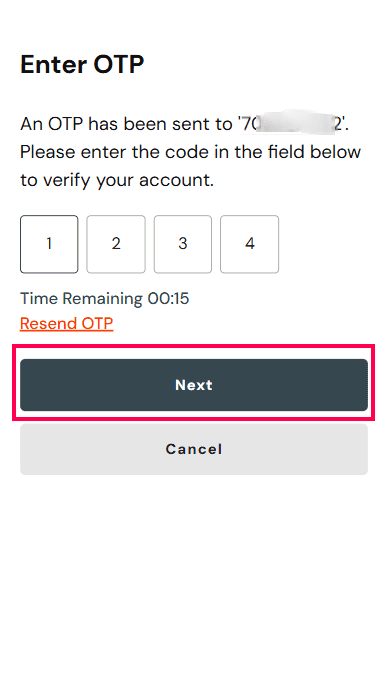
2. Enter the one-time password sent to your mobile number.
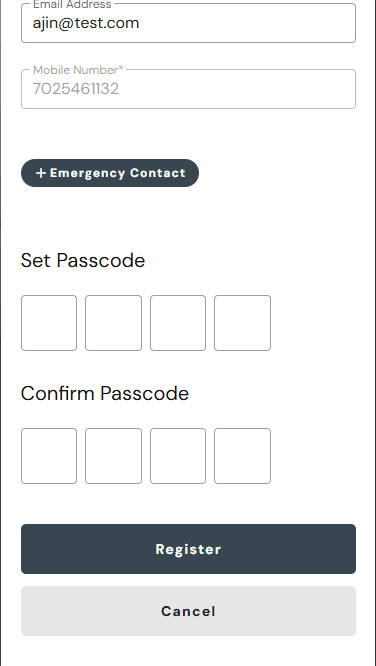
3. Verify and update your details.
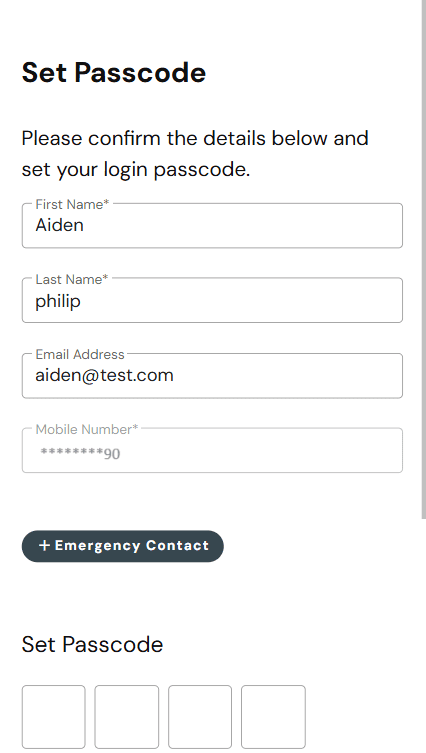
4. Set your passcode & click “Register.”
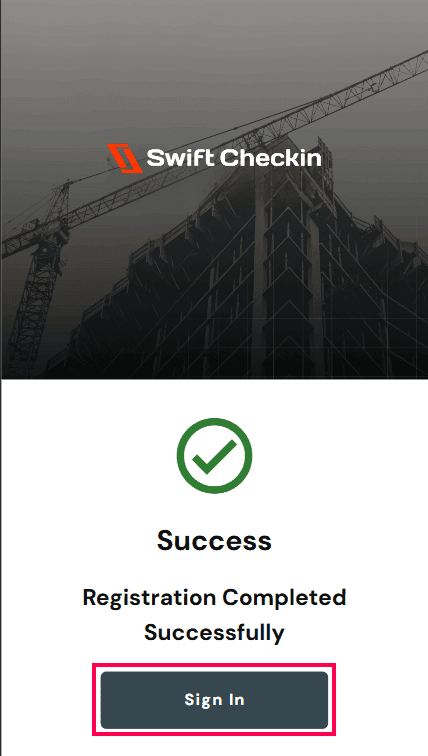
5. Upon successful registration, click on “Sign in”
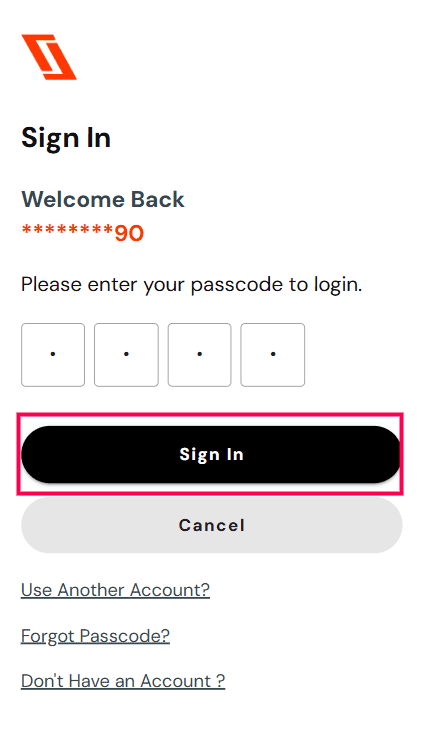
6. Enter your passcode and click “Sign in”
7. Workers can now Check- in and Check-out on any assigned projects.
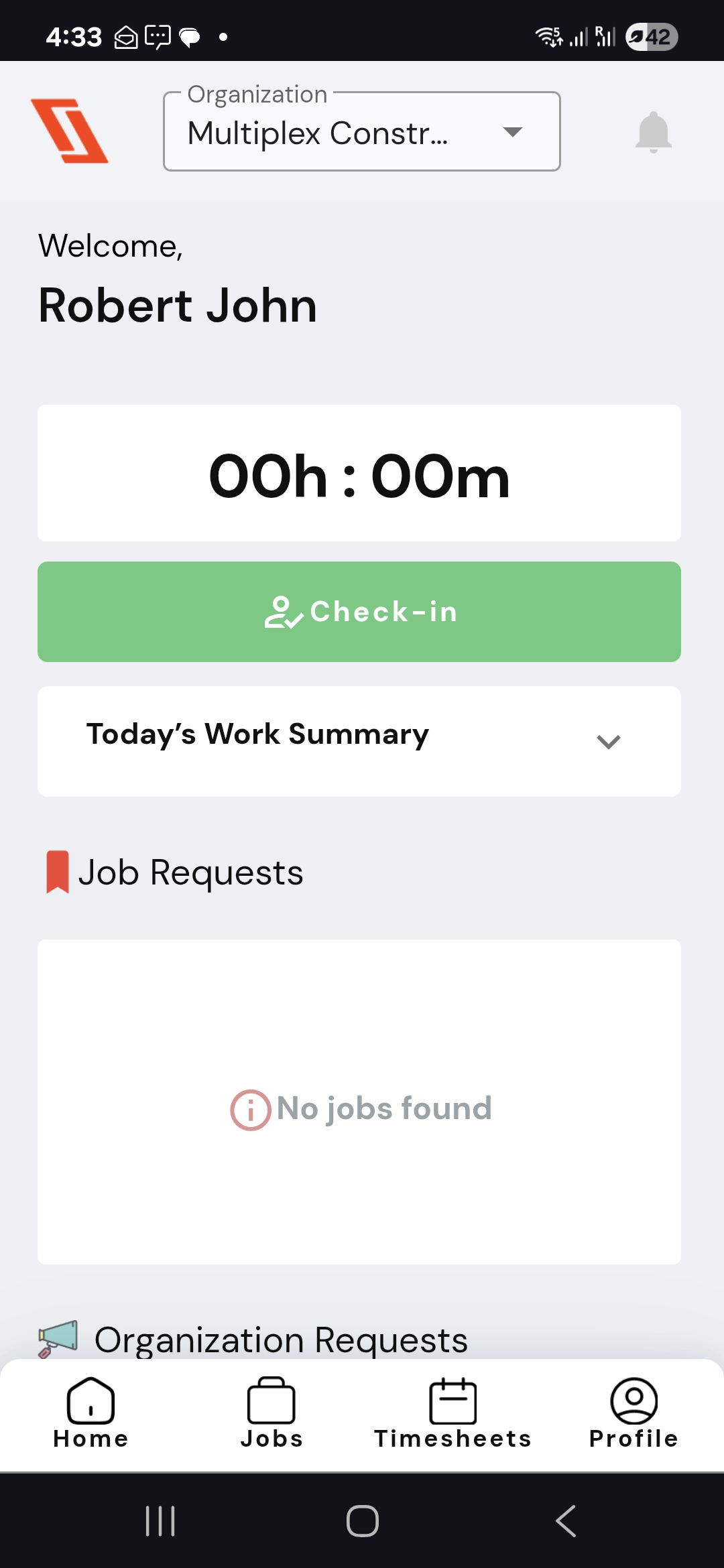
Congratulations! Your registration process has been completed.
RELATED POSTS
View all


How can I submit timesheets through site check-ins as a worker?
August 19, 2025 | by Nisha George
How to Upload Documents/Certifications as a Worker
July 8, 2025 | by boney.mylady@dibasys.com