How do I view company details?
Go to Platform > Companies, search for the company and click its row to open its Company Info page.
Steps
- In the left-hand menu, under Platform, click Companies.
- Type part of the company name in the Search... box. The list updates as you type.
- Click the company's row. Its Company Info page opens.
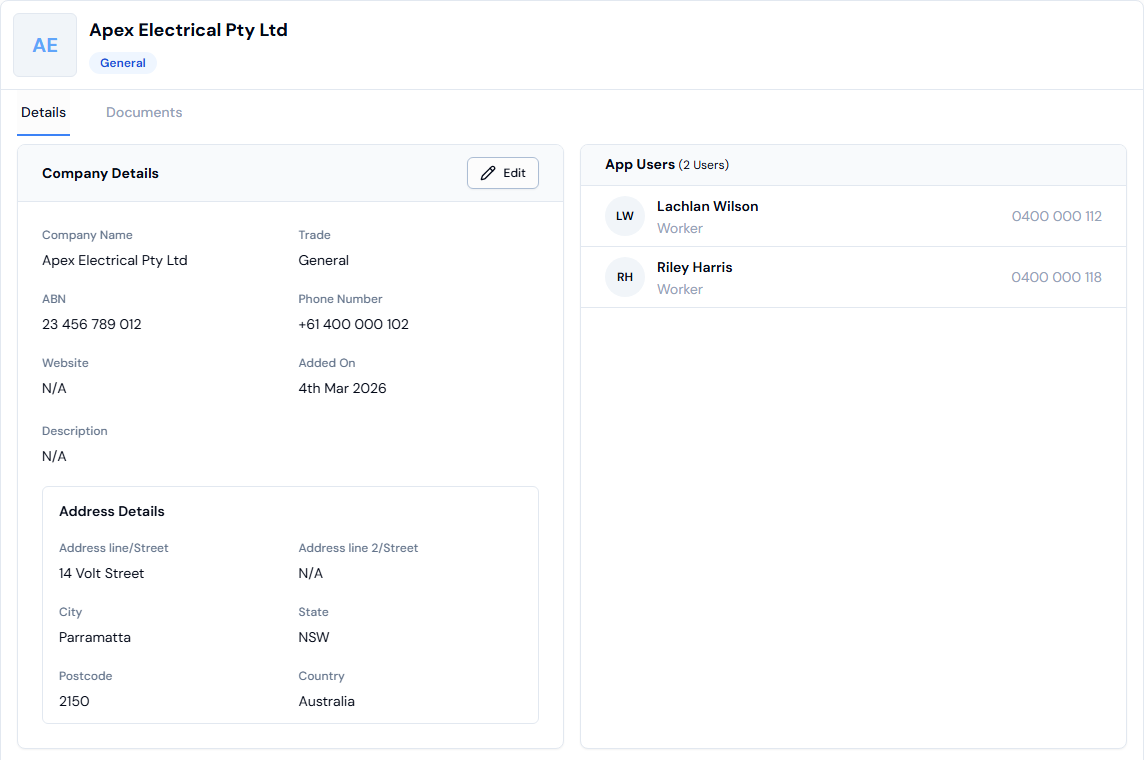
What the page shows
- Company Details: name, ABN, phone number and the date the company was added.
- Address Details: the company's address.
- App Users: the workers who belong to the company. Click a worker to open their details.
- Your own business has a Default label next to its name.
- To see the company's files, click the Documents tab. See How do I upload a company's documents?
If something goes wrong
- Can't find the company: check the spelling or type a shorter part of the name. If you see No results., the company hasn't been added yet. See How do I add a company?
- No Users Found: no workers are linked to the company yet. See How do I add a member to a company?
- N/A: that detail hasn't been entered. You can add it by editing the company.